
In the summer of 2025, OpenAI launched ChatGPT Record Mode — a feature that, at first glance, looks like a full meeting assistant: one button in the ChatGPT app and your Mac suddenly records the ongoing conversation, transcribes it live, and delivers a clean summary with action items at the end. No separate bot, no second subscription, no tool switching — everything directly inside ChatGPT.
For anyone already using ChatGPT daily, that sounds like the logical next step. But after nine months of real-world testing, a clear pattern emerges: ChatGPT Record Mode is a solid dictation tool with a good AI summary — but not a serious meeting assistant. For solo users who mostly want to capture their own thoughts, the feature is useful. For any team that needs to professionally document customer calls, sales conversations, or job interviews, it doesn't go far enough.
In this review, we look at what ChatGPT Record Mode can actually do in 2026, where it hits hard limits, and what it costs. Then we compare it directly to Sally, the AI meeting assistant built and hosted in Germany, and show which solution fits which type of team.
What Is ChatGPT Record Mode?
ChatGPT Record Mode is a feature inside the official ChatGPT desktop app that records your device's audio locally. After the meeting, ChatGPT automatically generates a structured summary — including key takeaways, action items, and follow-up questions — and drops it as a so-called canvas into your chat. You can then process the transcript with any ChatGPT prompt: draft a follow-up email, pull together a proposal outline, build a to-do list.
The key facts (April 2026):
- Recording: System audio of the device (microphone + system output), no meeting bot
- Platforms: macOS desktop app only — no Windows, no iOS, no Android, no web
- Available plans: ChatGPT Pro, Team, Business, Enterprise, Edu — not Free or Plus
- Recording length: 120 minutes per session (Enterprise/Edu sometimes longer), after which recording stops automatically
- Languages: Works best in English, other languages "of improving quality" — no official optimization for European markets
- Output: Canvas with summary, key takeaways, action items, follow-up questions, and transcript with clickable timestamps
- Storage: Raw audio is deleted after transcription; canvas and transcript remain in the ChatGPT chat
- Training data: Excluded by default on Team, Business, Enterprise, and Edu; on Pro/Plus only if "Improve the model for everyone" is manually turned off
The approach is deliberately minimal: no bot in the meeting, no calendar integration, no integrations — just a record button inside the tool you already have open. That's its strength. And, as we'll see, also its biggest weakness.
What ChatGPT Record Mode Does Well
To be fair: OpenAI didn't build this feature half-heartedly. For one specific audience, three things are genuinely strong.
Speed: Summary in Under a Minute
Record Mode typically delivers a first version of the summary in under 60 seconds after the meeting ends. That's faster than almost any dedicated meeting tool on the market. For quick debriefs right after a call — "What were the key points?" — it's a real advantage.
The output structure is also useful: a short executive summary, three to five key takeaways, a list of action items, and open questions. The canvas is clickable and jumps to the correct moment in the transcript when you click on a timestamp.
No Extra Tool, No Extra Login
Anyone already using ChatGPT every day gets Record Mode as a natural extension — no separate account, no additional seat license on a Team, Pro, or Enterprise plan. You hit record, speak, and have a summarized version in your chat history immediately.
For solo users who primarily want to capture their own thoughts, voice notes, or 1:1 conversations, that's an elegant workflow. No bot, no participant debate, no integration to maintain.
Seamless Follow-Up Inside ChatGPT
The real charm lies in the connection to the rest of ChatGPT. Once the transcript exists, you can use it as input for any prompt: "Turn this into a customer email," "Build me a proposal based on what we discussed," "List every open decision." Transcripts can also feed into custom GPTs, projects, and files.
For idea work, brainstorming, and reflective solo sessions, this is the feature's strongest use case — and also the only one it was really designed for.
Where ChatGPT Record Mode Fails: The 9 Biggest Weaknesses
Now for the honest assessment. And upfront: the following points aren't opinions - they come straight from OpenAI's own documentation and from real-world production use.
No Speaker Identification: The Killer for Team Meetings
The biggest criticism, obvious after a single test run: ChatGPT Record Mode does not identify speakers. The transcript is one continuous block of text with no way to tell who's talking. Even when the AI detects a speaker change and starts a new paragraph, there are no labels like "prospect," "recruiter," or "customer."
For anything beyond a solo recording, that's fatal:
- Sales: You can't attribute objections to the prospect
- Recruiting: Candidate answers land in the same block as your questions
- Customer Success: No traceability for who promised what
- Leadership: Decisions can't be mapped back to the decision-makers
Virtually every serious meeting tool has solved this for years. OpenAI consciously decided otherwise. This feature wasn't built for team meetings. If speaker recognition is non-negotiable for you, our comparison of the strongest meeting tools with clean speaker attribution is a useful next read.
macOS Only: The Hardest Blocker of All
Record Mode runs exclusively inside the macOS desktop app. Not on Windows, not on iOS, not on Android, not in the browser. For a feature marketed as a mainstream meeting capability, that's a massive cut in 2026.
In practice, this means:
- Teams with mixed hardware (Mac + Windows) can't use it consistently
- Mobile meetings on a phone are completely out
- Browser users have no access on the road
- In many European enterprises, Windows is the default — the feature is simply not deployable
If you're working in a Microsoft ecosystem and want a meeting tool that integrates cleanly with Teams and Outlook, our comparison of the best AI meeting assistants for Microsoft environments covers the real alternatives. As of April 2026, there's no official roadmap for Windows support on ChatGPT Record Mode. OpenAI keeps referring to "future expansion" without giving a date. For anyone who needs a team-wide meeting tool, Record Mode fails at this single checkbox.
No Auto-Join: Every Recording Is Manual Work
Record Mode has no calendar integration and no auto-join function. For every meeting you need to:
- Open the ChatGPT desktop app
- Start a new chat or pick an existing one
- Click the record button
- Manually stop at the end
That sounds trivial. It isn't. Anyone who's used meeting tools long enough knows the moment when you forget to hit record exactly when the meeting matters most. Modern tools like Sally, Fireflies, or Otter automatically join your meetings based on your calendar — you don't have to do anything; the recording just runs.
ChatGPT Record Mode stays at "human presses button, human copies result." That's the opposite of what a real meeting assistant should be doing.
Only in the Expensive Plans: Pro or Team Upwards
Record Mode is not included in ChatGPT Free and not in ChatGPT Plus ($20/month). The feature is available from:
- ChatGPT Pro: $200 per user/month (solo)
- ChatGPT Team: $25 per user/month (annual), $30 (monthly)
- ChatGPT Business, Enterprise, Edu: custom pricing
If you're already on a Team or Enterprise plan, the feature is effectively "free" included. But if you upgrade to Team only for Record Mode, you're paying $25 per user/month — and you get exactly that: a record button, with no speaker ID, no auto-join, no CRM integration, no mobile support. Sally Starter sits at $10 per user/month and ships with speaker recognition, auto-join, 99+ languages, and 7 CRM integrations.
120-Minute Cap and the Audio Disappears After
Every recording is capped at 120 minutes. If your meeting runs longer, recording stops automatically. Some plans extend this to up to 240 minutes, but that's not universal.
On top of that: raw audio is deleted after transcription. If a speaker was unclear, a term was misheard, or a quote is needed word-for-word, there's no playback. Whatever ended up in the transcript is what you have. For compliance-relevant documentation (contract negotiations, employment law, regulated industries), that's a serious drawback.
Audio-Only: No Video, No Screen Share
ChatGPT Record Mode only captures sound. No video, no shared screen, no whiteboards. For product demos, design reviews, training sessions, or any meeting where something is shown, the feature is useless.
That's especially frustrating because competitors like Sally, Fathom, or tl;dv comfortably capture video plus screen share and make both searchable via timestamps.
Consent Is Entirely Your Problem
OpenAI's official help text is clear: "Please make sure you check local laws and always get the right consents before recording others." That's the full extent of the guidance. No automated announcements, no opt-in flows, no logging.
In Germany, Austria, and Switzerland this is legally thorny. Germany's § 201 StGB ("right to the spoken word") fundamentally prohibits the non-public recording of spoken word without consent and can even be a criminal matter. For GDPR-compliant documentation, you need logged consent from all participants and ChatGPT gives you zero tooling for that.
For companies with works councils, data protection officers, or compliance teams, this is a knockout criterion.
US Hosting, Data Training Risk, No Data Residency
OpenAI is a US company hosting in the US. Data transfers to the US are covered under Schrems II via standard contractual clauses. That's formally permissible, but:
- No EU hosting option for ChatGPT
- Audio transcripts can be used for model training on Pro and Plus plans unless "Improve the model for everyone" is manually turned off
- Team, Business, Enterprise, and Edu are excluded from training by default
- No per-meeting audit logs, no role-based access for individual canvases, no centralized meeting library
For regulated industries (banking, healthcare, public sector) or any company seriously negotiating recording topics with a works council, this creates a perfect storm for lengthy compliance debates.
No Integration With CRMs, Task Tools, or Calendars
This is the gap that most clearly separates ChatGPT Record Mode from a real meeting tool: there are no native integrations at all. No CRM. No Jira, no Asana, no Slack. No calendar integration. No webhooks. No Zapier connector out of the box.
Anything you want to do beyond the canvas summary like push to HubSpot, attach to a Pipedrive deal, turn into an Asana task is manual work: copy, paste, save. For a sales team documenting 20 calls a week, that's simply not scalable.
For context: Sally integrates natively with 7 CRMs, 4 automation platforms, and the three major video-conferencing tools. Meeting notes land automatically wherever the next step actually happens.
ChatGPT Record Mode Pricing: What You Really Pay
| Plan | Price (annual) | Record Mode | Key Limits |
|---|---|---|---|
| Free | $0 | Not included | No Record Mode, no AI meeting features |
| Plus | $20 / month | Not included | Solo users, Record Mode missing |
| Pro | $200 / month | Included | Solo users, no team features |
| Team | $25 / user / month | Included | Entry-level team plan, macOS only |
| Business / Enterprise / Edu | Custom | Included + advanced admin controls | SSO, admin shut-off, no training data |
Sample math for a 15-person team:
- ChatGPT Team: 15 × $25 = $375 per month for a plan whose meeting function only runs on Macs, doesn't identify speakers, doesn't auto-join, and doesn't connect to a CRM
- Sally Starter: 15 × $10 = $150 per month for a complete meeting tool with speaker recognition, auto-join, 99+ languages, 7 CRM integrations, and German hosting
Who Is ChatGPT Record Mode Actually Right For?
For a narrow target audience, the feature is a good fit.
ChatGPT Record Mode is a good choice if …
- you're a solo user who already uses ChatGPT daily
- you primarily want to capture your own thoughts, voice notes, or 1:1 conversations
- you work on a Mac and don't have a Windows colleague in the mix
- your meetings are in English
- you want to process the summary immediately with ChatGPT prompts, custom GPTs, or projects
- you don't need speaker recognition, CRM integration, or auto-join
ChatGPT Record Mode is not a good choice if …
- your team runs on Windows, iOS, or Android
- you regularly document customer calls, sales calls, or job interviews
- your team is based in Germany, Austria, or Switzerland and must work GDPR-compliantly
- you need speaker recognition to attribute statements correctly
- your meetings run longer than two hours or you need an audio archive
- you need to handle regional dialects, multilingual meetings, or specialized vocabulary cleanly
- your meeting notes need to land in your CRM
- you need to record video and screen share
If you recognize two or more points on the second list: ChatGPT Record Mode isn't the right tool. Not because it's badly built — but because it was never designed as a team meeting solution.
ChatGPT Record Mode vs. Sally: Direct Comparison
| Criterion | ChatGPT Record Mode | Sally |
|---|---|---|
| Platforms | macOS desktop only | macOS, Windows, Web, iOS, Android |
| Languages | Primarily English | 99+ |
| German dialects (CH, AT, regional) | Limited | Yes, optimized |
| Speaker recognition | No | Yes |
| Auto-join from calendar | No | Yes |
| Video / screen capture | No (audio only) | Yes |
| Maximum recording length | 120 minutes (sometimes 240) | Unlimited |
| Audio archive after recording | No (audio is deleted) | Yes, configurable |
| Hosting | USA | Germany |
| GDPR compliance | Via SCCs, consent is the user's responsibility | By design, with consent workflow |
| Training data | Pro/Plus: opt-out required; Team+ excluded | Always excluded |
| EU AI Act compliant | Not documented | Yes (no sentiment analysis) |
| Native CRM integrations | 0 | 7 (HubSpot, Salesforce, Dynamics 365, Pipedrive, Zoho, Odoo, Bitrix24) |
| Automation platforms | None | Zapier, Power Automate, make.com, n8n |
| Meeting templates | One standard layout | Discovery, onboarding, interview, customer success, custom |
| Entry price (teams) | $25 / user / month (Team) | $10 / user / month (Starter) |
| Free trial | No | 30 days full access |
Sally as an Alternative: Why the Switch Pays Off
Sally is an AI meeting assistant built and hosted in Germany. Unlike ChatGPT Record Mode, Sally is designed from the ground up as a meeting tool — not as a side feature of a chatbot. You notice the difference at every step of the workflow.
Speaker Recognition, Auto-Join, and Real Templates
Sally closes ChatGPT Record Mode's three biggest gaps out of the box:
- Speakers are cleanly separated and labeled: either automatically via voice fingerprinting or manually by click
- Sally joins your meetings automatically: based on your calendar, with a proper consent and opt-out flow
- Meeting templates for every type: discovery call, onboarding, customer meeting, interview, customer success review — each with the right fields and follow-up workflows
Hosted in Germany, GDPR by Default
Sally runs on servers in Germany. GDPR compliance is not a footnote; it's the architecture:
- Data hosted in Germany
- Consent management inside the tool: automatic announcements, opt-out, audit-grade logging
- No sentiment analysis: a deliberate choice, since the EU AI Act has prohibited this in workplace contexts since February 2025 (Article 5(1)(f))
- SOC 2 aligned, ISO 27001 certified, end-to-end encryption
- No training data: your meetings are never used to train AI models
For companies with works councils, DPOs, or compliance teams, this is the difference that decides procurement. We've worked through the GDPR and EU AI Act angle in detail in our Read.ai vs. Sally comparison — with the same conclusion.
99+ Languages and Real DACH Dialect Support
Sally transcribes in over 99 languages. For the German-speaking market, the model is specifically optimized for Swiss German, Austrian German, and regional variants. German business terminology from HR, accounting, sales, and IT is part of the trained vocabulary — DATEV, Personio, Lexware, SAP, SuccessFactors and similar names land correctly in the transcript.
7 CRM Integrations and 4 Automation Platforms
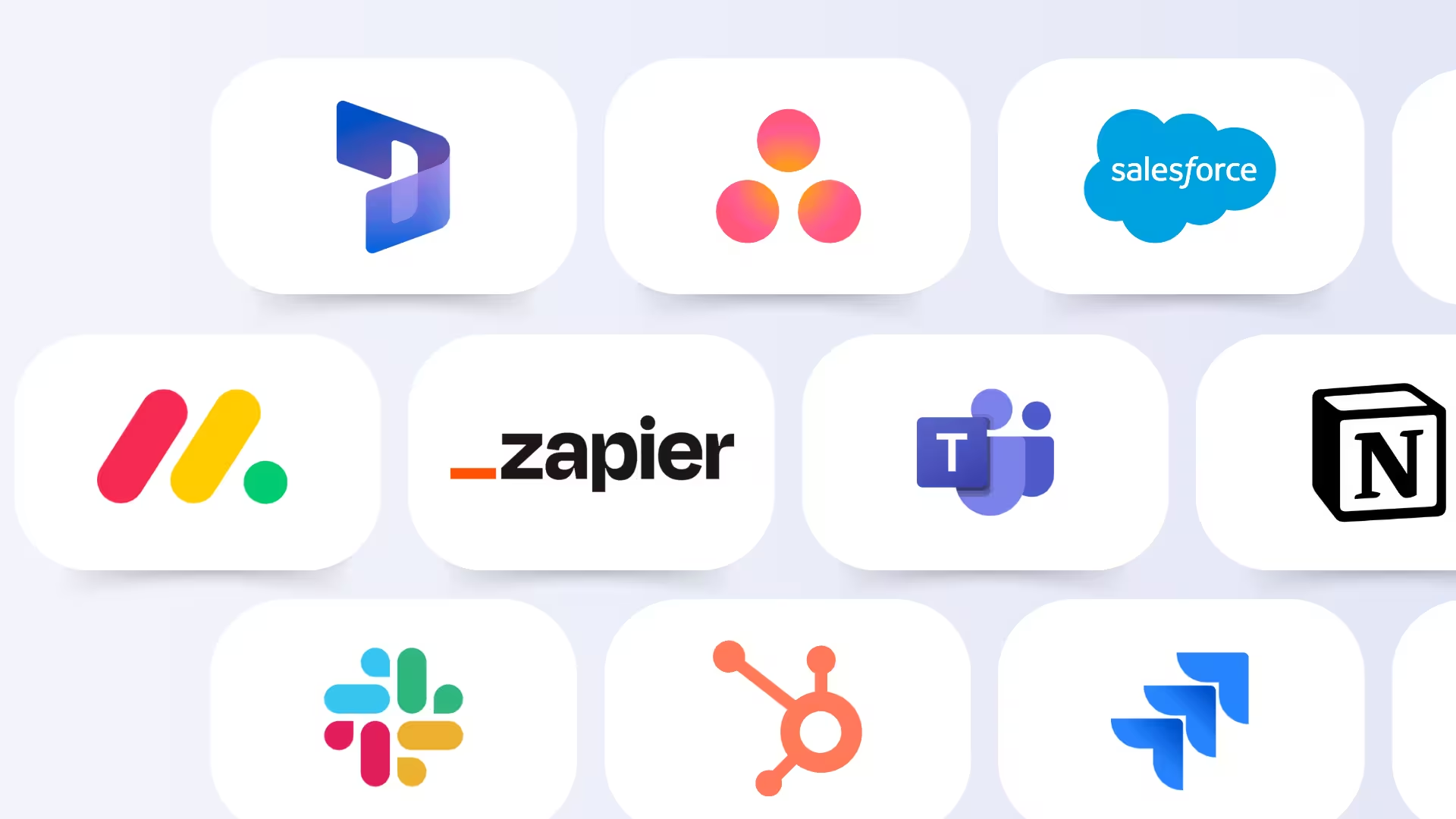
This is where ChatGPT Record Mode loses most clearly. Sally integrates natively with:
- CRMs: HubSpot, Salesforce, Microsoft Dynamics 365, Pipedrive, Zoho, Odoo, Bitrix24
- Automation: Zapier, Power Automate, make.com, n8n
- European business tools: DATEV, Personio, Lexware, sevDesk, Haufe, meetergo
- Video: Zoom, Microsoft Teams, Google Meet, Cisco Webex
Meeting notes land not in a single chat, but exactly where the next step happens: on the deal in the CRM, the task in the project tool, the ticket in the support system.
Price: Less Than Half the ChatGPT Team Plan
Sally Starter: $10 per user/month (annual) including CRM integrations, 1,200 transcription minutes per user, and German hosting. That's 40% of the ChatGPT Team price ($25), and you get a complete meeting tool instead of a record button.
Meetings Don't Belong Inside a Chatbot
ChatGPT Record Mode is the logical next step for OpenAI as a platform: everything that happens in your day should land in ChatGPT. For one specific user type like the English-speaking Mac solo user who mainly records their own ideas and processes them further ChatGPT it's an elegant, well-integrated feature.
But it's not a serious meeting assistant. Without speaker recognition, without Windows or mobile support, without auto-join, without video, without CRM integration, and with US hosting plus full user responsibility for consent, Record Mode is simply not enough for teams, customer calls, or regulated industries. It's the same pattern we already saw with Notion AI Meeting Notes: a workspace tool bolting on a meeting feature that works for the individual but not for the team. The verdict is clear: fine for solo, not for teams.
If you work in Europe, run multilingual meetings, have a team split across Windows and mobile, want control over your CRM, and don't want your company shouldering the GDPR risk alone: Sally is the clearly better choice. Less than half the price of ChatGPT Team, full speaker recognition, auto-join, 99+ languages, 7 CRMs, German hosting.
If you're a solo user on a Mac and only want to transcribe your own voice notes: ChatGPT Record Mode is entirely sufficient. For that specific niche, it's a clean solution.


