

Every day, teams invest hours in ceremonies—standups, refinements, retrospectives, and stakeholder updates. Yet despite this investment, critical decisions vanish, action items slip through the cracks, and team members rebuild context repeatedly. This is not a failure of discipline; it is a structural problem baked into how traditional project management operates.
Scrum Masters and Project Managers know this pain intimately. You orchestrate the flow of work across sprints, preserve institutional knowledge, translate stakeholder expectations into executable stories, and chase down the inevitable loose ends that emerge when coordination breaks down. The ceremonies themselves are sound—but the translation of meeting outcomes into tracked, owned, executed work remains a manual, error-prone handoff.
Our experience working with hundreds of organizations that have adopted AI-driven project management workflows shows that this problem is not unsolvable. It is, in fact, one of the highest-ROI domains for AI intervention. When AI handles the mechanical parts of documentation, summarization, and task routing, Scrum Masters and Project Managers reclaim 5–10 hours per week. More importantly, teams stop paying twice: once in meetings, and again in rework and alignment calls driven by forgotten decisions and fragmented context.
This guide addresses the five recurring pain points that define the role and shows how purpose-built AI tools solve them at scale.
The Five Core Challenges Facing Scrum Masters and Project Managers
Meeting Knowledge Loss
Standups, refinements, and retrospectives are where critical information lives. Risk signals emerge. Blockers surface. Stakeholder constraints are negotiated in real time. Yet if these conversations are not captured in a structured, searchable form, they evaporate. Two weeks later, when a team member asks "Why did we reject that approach?" the answer is lost. This forces teams to re-litigate decisions and rebuild alignment repeatedly.
Meeting Follow-Up Friction
Action items, PBC requests (Prepare by Client), and handoffs need owners and deadlines. Too often, these are captured in ad-hoc notes, email threads, or scribbled on notepads. They do not flow into your system of record. The result is churn: team members asking "Who is handling that?" and Scrum Masters chasing status instead of removing blockers.
Documentation Pressure
Sprint outcomes, decisions, and stakeholder commitments must be recorded for transparency, audit, and continuity. This is not optional in regulated environments, and increasingly expected even in agile shops. Yet capturing this documentation in real time, during meetings, competes with active facilitation—and the overhead often falls on the Scrum Master.
Context Switching and Reporting Overhead
When a stakeholder needs a status update, PMs open ticket systems and scroll through comment threads, trying to reconstruct what actually changed. When teams onboard new members, they must summarize months of ticket history and decision rationale. This context-rebuilding tax kills productivity and slows decision-making.
Hidden Risk and Escalation Churn
Portfolio-level risks hide inside scattered project boards, Slack messages, and status reports. By the time a risk surfaces, it has already metastasized into an escalation, an unplanned meeting, and reactive firefighting. Proactive risk visibility—the kind that prevents surprises—remains elusive in most organizations.
AI Solutions: Five Tools That Solve These Problems
Sally AI: Meeting Transcription, Structured Summaries, and Automatic Task Extraction
The Problem in Context
Scrum Masters facilitate 4–6 ceremonies per sprint, plus ad-hoc stakeholder meetings. Each meeting generates decisions, risks, and action items. Yet these outcomes live only in attendee memory or in fragmented notes that never reach your project management system. A retrospective surfaces a blocker—"We need to refactor the authentication module"—but no ticket is created. A refinement meeting commits to a new acceptance criterion, but it is buried in Slack. Two weeks later, teams are confused, and the Scrum Master is stuck re-explaining what was decided.
How Sally AI Solves It
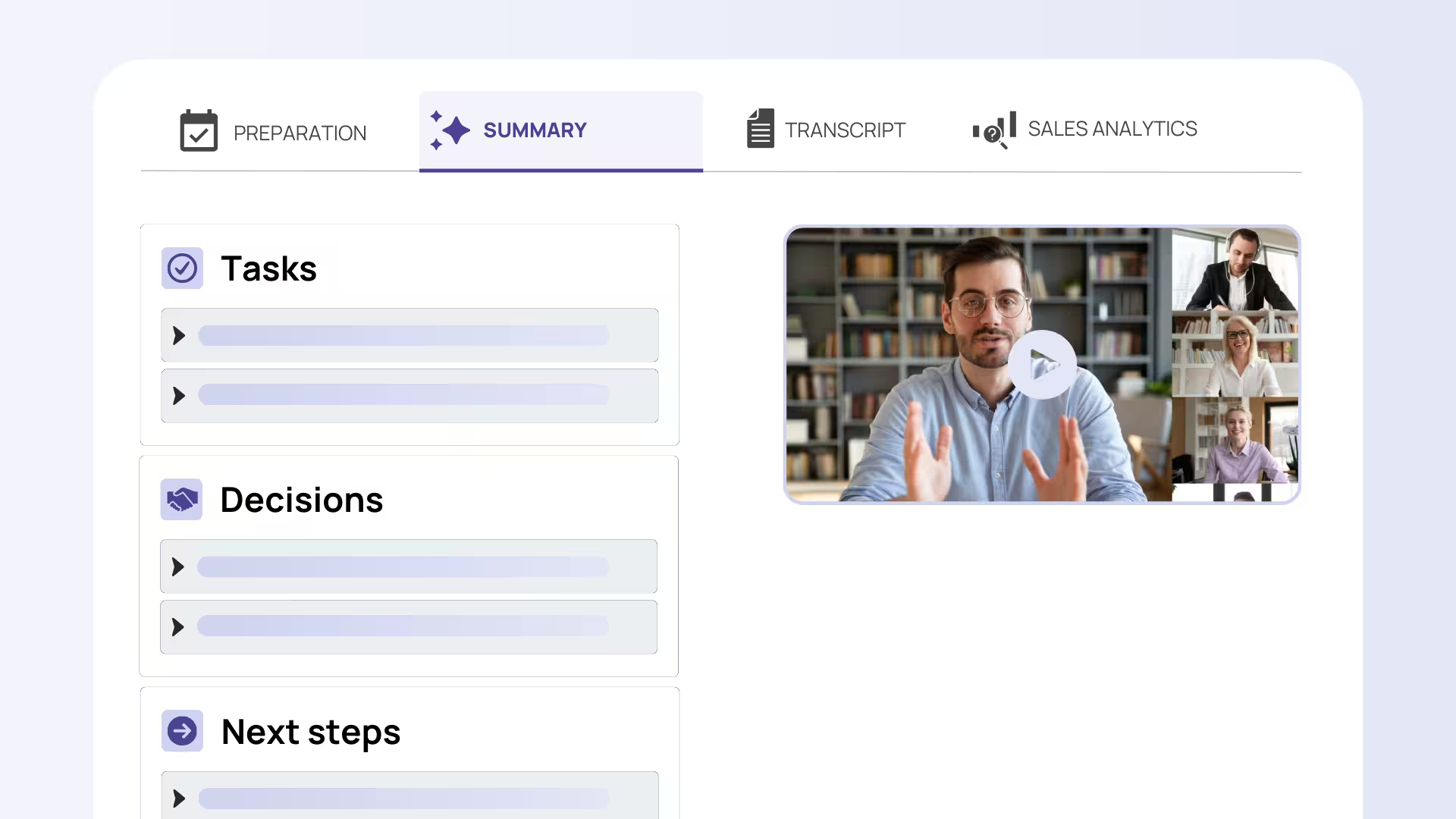
Sally AI records meetings, generates structured summaries, and identifies action items automatically. More importantly, it integrates directly into your project management tool, turning meeting outcomes into tracked work. Summaries are tagged by ceremony type, risk level, and decision category, making them searchable and audit-friendly. When action items are recognized, they can be routed directly into your backlog with suggested owners and due dates—ready for team confirmation.
Concrete Example
During a refinement meeting, your team debates a complex feature request. A stakeholder introduces a hard constraint: "This must integrate with Salesforce by end of Q2." Sally AI captures this, flags it as a critical integration dependency, and surfaces it in the summary. When the Scrum Master reviews the recording post-meeting, Sally AI has already drafted a ticket: "Integrate feature X with Salesforce (Q2 hard deadline, stakeholder: Jane)." The Scrum Master confirms ownership and acceptance criteria in seconds, rather than typing the entire story from scratch. The risk is documented, visible, and prevents downstream surprise.
Atlassian Intelligence in Jira Service Management and Jira Workflows: Automated Context and Smart Triage
The Problem in Context
Your Project Manager opens a Jira ticket to understand what changed in the last week. The ticket has 47 comments. Some are decision notes. Some are status updates. Some are tangential discussion threads that got resolved three comments ago. Rebuilding the actual state of play takes 10 minutes. Now multiply that across 20 active projects, and the PM's week evaporates in context-switching overhead. Worse, when the team needs to auto-route tickets or apply consistent triage rules, those are often enforced manually or via brittle, hard-coded automations that break when team structure changes.
How Atlassian Intelligence Solves It
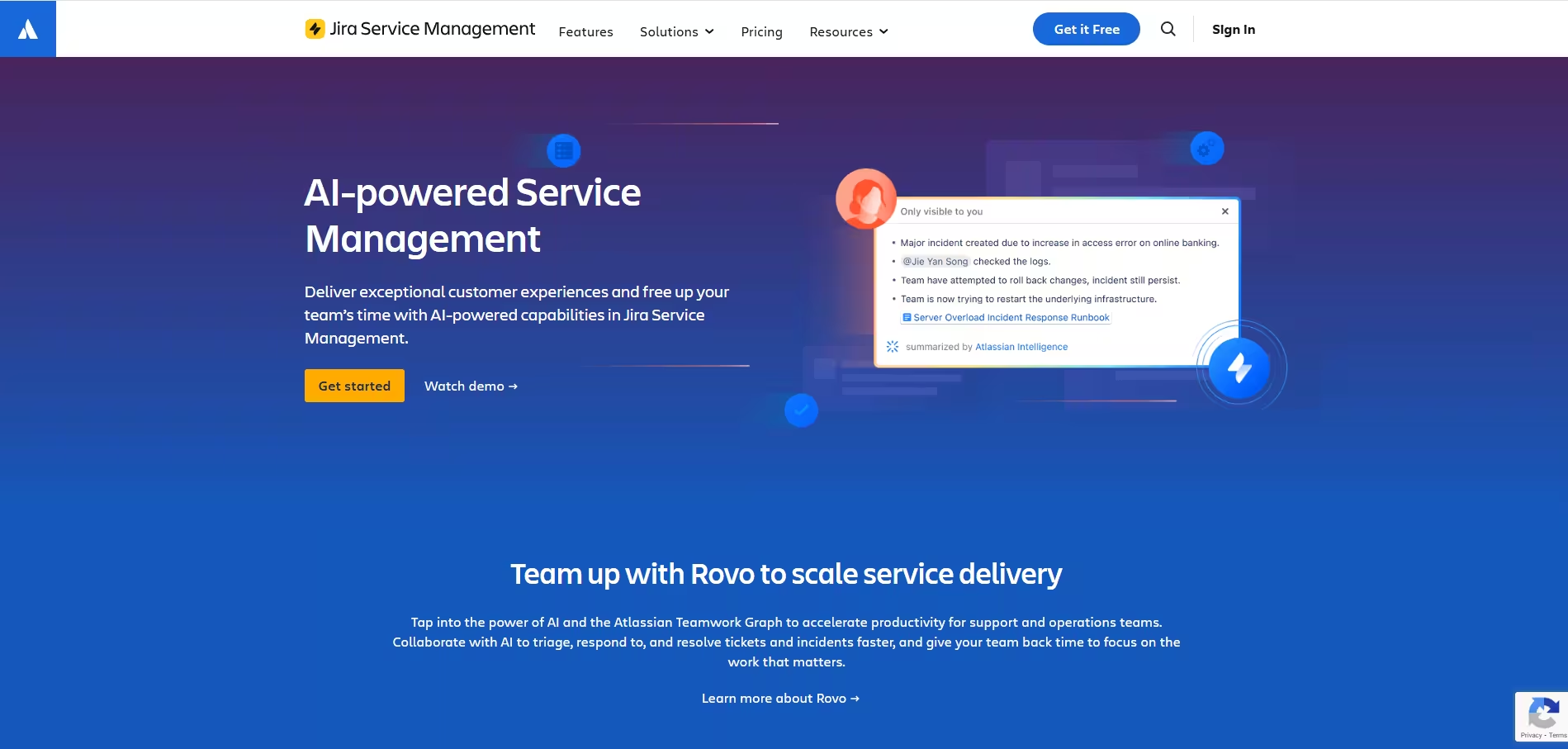
Atlassian Intelligence (built into Jira) summarizes ticket histories and comment threads in real time. It extracts key decisions, blockers, and status changes, allowing PMs to understand a ticket's trajectory in seconds rather than minutes. It also supports natural-language automation rules: instead of learning Jira's automation UI, a PM can describe a rule in English ("If a ticket is marked blocked and no one has commented in 3 days, notify the assignee's manager"), and the system generates the underlying automation. This targets the context-switching tax and reduces time spent on repetitive triage.
Concrete Example
A PM inherits responsibility for a support ticket stream. Rather than reading every ticket individually, she uses Jira AI to generate a summary of the last two weeks: "15 tickets resolved, 3 blockers (waiting on external vendor response), 2 reopened due to incomplete fixes." The PM can immediately see which tickets need escalation, which are on track, and which risk re-opening. She then creates a smart automation rule: "If a ticket is reopened, automatically assign to the original fixer and tag 'Quality Review Required'." No coding required. The rule enforces consistency and reduces back-and-forth.
Asana AI Smart Summaries: Rapid Status Reporting Across Workstreams
The Problem in Context
After a steering committee meeting, your PM needs to update five different stakeholders across five different workstreams. Each workstream is tracked in Asana. Each stakeholder wants a different level of detail. The PM spends an hour writing status updates by hand, digging through activity feeds and reconstructing progress. If she misses a detail or gets a date wrong, follow-up questions consume the next day.
How Asana AI Solves It
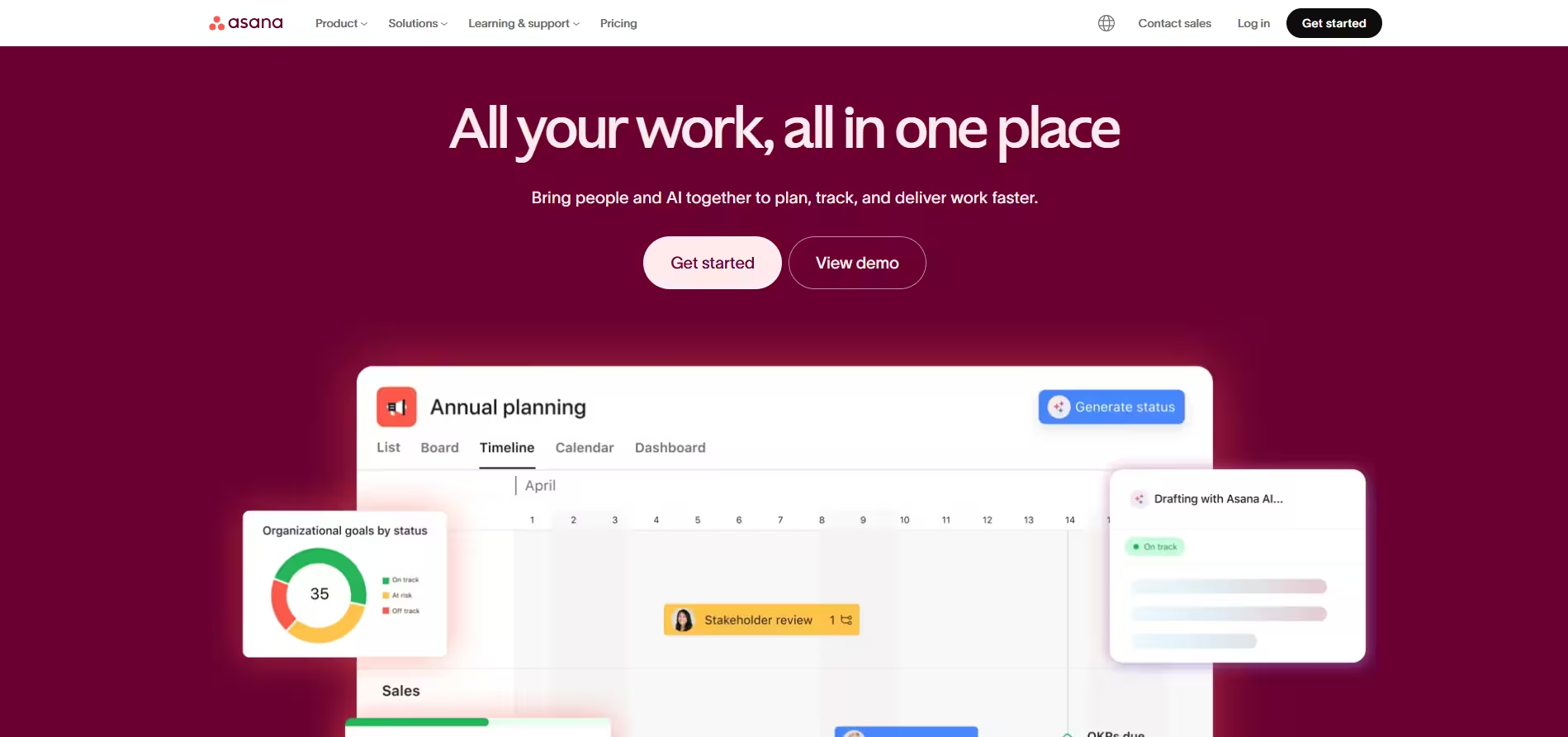
Asana AI generates smart summaries of project activity, progress, and upcoming milestones automatically. Rather than manually typing status reports, the PM can pull a summary of each workstream in seconds, customize it for the audience (executive summary vs. detailed), and send it out. The summaries are based on actual task completion, resource allocation, and timeline data—not guesswork. This is especially valuable when managing multiple concurrent initiatives or reporting to matrixed stakeholders who each have different priorities.
Concrete Example
A PM oversees three product releases running in parallel. Before the monthly exec standup, she needs to report on all three to a CFO, a CTO, and a Chief Product Officer. Rather than spending two hours writing custom status reports, she uses Asana AI to generate a summary for each release: timeline adherence, resource utilization, top risks, and upcoming dependencies. She customizes each summary for its audience (the CFO sees budget and resource data; the CTO sees technical risks; the CPO sees customer impact). The entire process takes 15 minutes instead of two hours, and the reports are data-backed and consistent.
monday.com AI Portfolio Risk Insights: Proactive Risk Detection Across Projects
The Problem in Context
Your PM manages a portfolio of eight projects. Some are on track. Some are at risk. Some are hidden time bombs—they appear green on the surface, but they have unresolved dependencies or resource constraints that will blow up in three weeks. Risk visibility at the portfolio level is almost nonexistent. By the time a risk surfaces, it has already become an escalation, spawning emergency meetings and reactive rework. Proactive risk handling—the kind that prevents surprises—remains rare.
How monday.com AI Solves It
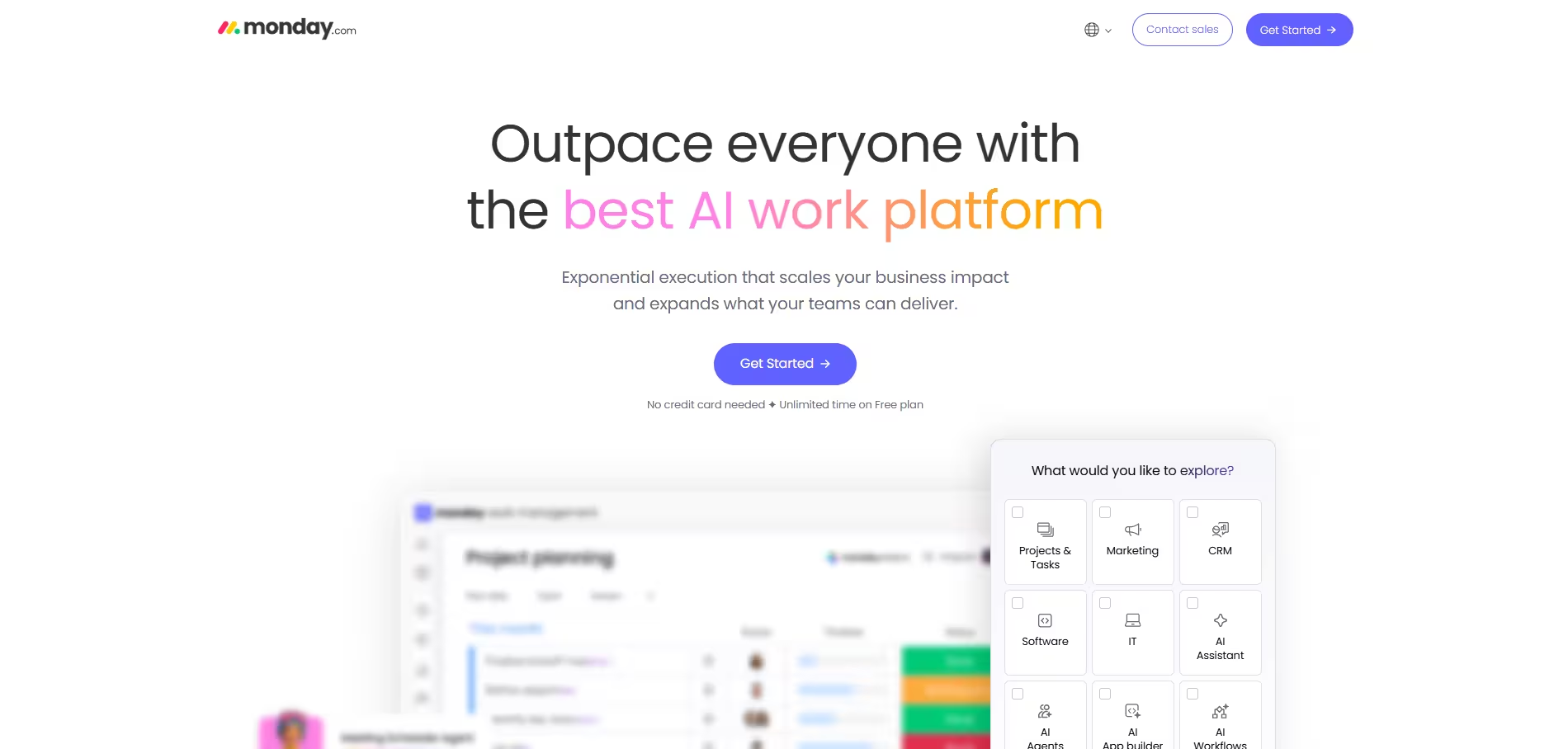
monday.com AI analyzes portfolio data across all projects and surfaces emerging risks in real time: timeline slip patterns, resource bottlenecks, blockers that are aging without resolution, and dependency chains that are at risk. Rather than waiting for status reports or escalations, the PM sees signals early and can intervene before risk becomes crisis. This shifts the PM's posture from reactive firefighting to proactive stewardship.
Concrete Example
A PM manages a portfolio dashboard covering 10 active projects. monday.com AI scans the data daily and flags emerging patterns: two projects have missed three consecutive sprint milestones; three others have open blockers older than 10 days; one project shows a resource conflict (the same person committed to two projects in overlapping sprints). The AI surfaces these as prioritized risk alerts. The PM addresses them before they escalate: she reallocates resources to the conflicting project, escalates the aging blockers, and investigates the milestone misses. By catching these signals early, she prevents the chaos of surprise escalations and keeps the portfolio stable.
ClickUp AI: Convert Meeting Notes into Executable Tasks and Subtasks
The Problem in Context
After a meeting, the Scrum Master has a page of notes. "Fix the deployment pipeline. Coordinate with Ops. Update the dashboard. Review vendor proposal." These are real, committed action items. But they are not in the backlog. They are not assigned. They do not have acceptance criteria or due dates. Converting loose notes into structured, executable tasks is manual and error-prone. Team members forget items. Ownership is ambiguous. Deadlines slip.
How ClickUp AI Solves It
ClickUp AI analyzes meeting notes and converts them into structured tasks and subtasks automatically. It extracts ownership signals ("Sarah will handle the vendor review"), deadlines ("by end of week"), dependencies ("after the pipeline is fixed"), and acceptance criteria ("should include monitoring and rollback plan"). The tasks are created in ClickUp, assigned, and ready for sprint commitment—with minimal manual intervention. This closes the gap between meeting outcomes and tracked execution.
Concrete Example
During a retrospective, the team identifies three action items: "Improve CI/CD pipeline performance," "Document the new onboarding process," and "Set up monitoring for the API service." The Scrum Master types these notes into ClickUp. ClickUp AI automatically generates three tasks with suggested subtasks: the pipeline task includes subtasks for benchmarking, optimization, and testing; the documentation task includes subtasks for drafting, review, and publication; the monitoring task includes subtasks for metric selection, alerting configuration, and rollout. The Scrum Master assigns owners (based on context), sets due dates, and prioritizes. The team sees structured, executable work immediately after the ceremony—no manual transcription required.
Building the Complete AI-Driven Project Management Stack
Using individual AI tools is valuable, but orchestrating them into a coherent stack multiplies the benefit. Here is a recommended architecture for organizations serious about eliminating meeting friction and improving delivery execution:
Core Layer: System of Record and Meeting Capture
Start with a single system of record for all commitments and work: Jira, Asana, or monday.com (pick one and commit). This is where reality lives. Do not create parallel systems.
Meeting capture and transcription: Sally AI feeds directly into your system of record, turning meeting outcomes into backlog items automatically. Every ceremony—standup, refinement, retro, steering committee—is transcribed, summarized, and actionable.
Real-time context enrichment: Layer Atlassian Intelligence (for Jira), Asana AI, or ClickUp AI on top to provide instant summaries of ticket history, project progress, and activity feeds. This eliminates context-switching overhead and keeps PMs and teams aligned without constant status meetings.
Intelligence Layer: Risk, Status, and Portfolio Visibility
Portfolio risk insights: monday.com AI or equivalent tools scan your project landscape for emerging risks, timeline slips, and resource bottlenecks. Alerts flow to the PM dashboard, enabling proactive intervention before escalations occur.
Automated status reporting: Asana AI or native Jira reporting generates status summaries for stakeholders. The PM customizes by audience, not by manual rewrite.
Integration Layer: Connectors and Automation
Meeting output routing: Sally AI outputs (action items, decisions, risks) should flow directly into your system of record via API or native integration. No manual copy-paste. Sally supports 8000+ integrations and is therefore an amazing choice
CRM or portfolio sync (optional but valuable): If you manage customer-facing projects, integrate your project management tool with HubSpot, Salesforce, or similar CRM systems. Risk alerts from monday.com or Jira can trigger customer communication workflows automatically. Status updates from Asana can populate executive dashboards.
Slack or Teams integration: Notifications about blockers, risks, and action items should reach teams in their communication hub, not buried in email or backlog. Use native integrations to push summaries, risks, and escalations into Slack channels.
Governance Layer: Data Security and Audit
Access controls and role-based restrictions: Ensure that AI tools respect your organization's access model. Not all team members should see all projects; sensitive projects should have restricted visibility.
Audit trails: Maintain logs of which AI outputs were used in which decisions, and document how AI recommendations were validated (or rejected). This is critical for regulated environments and helps defend decisions during post-incident reviews.
Data retention and compliance: Confirm that AI tool vendors comply with GDPR, SOC 2, or relevant standards. Review their data processing agreements, especially around model training and data retention.
Recommended Complete Tech Stack for Scrum Masters and Project Managers
| Stack Layer | Primary Tool | Function |
|---|---|---|
| System of Record | Jira / Asana / monday.com | Single source of truth for all commitments and work |
| Meeting Capture & Summarization | Sally AI | Transcription, structured summaries, automatic task extraction, and integration in all other tools |
| Ticket Context & Automation | Atlassian Intelligence (Jira) / Asana AI / ClickUp AI | Ticket summarization, comment threading, smart automation rules |
| Portfolio Risk & Insights | monday.com AI | Cross-project risk detection, timeline analysis, escalation prevention |
| Status Reporting | Asana AI / Native reporting | Automated summaries by audience and workstream |
| Integration & Routing | Zapier / Make / Native APIs | Connect meeting outputs to backlog, CRM, Slack |
| CRM Sync (Optional) | HubSpot / Salesforce | Link portfolio risks to customer contexts, trigger comms workflows |
| Communication Hub | Slack / Microsoft Teams | Receive AI-generated alerts, summaries, escalation notifications |
Implementation: Three Critical Best Practices
Treat AI Outputs as Drafts, Not Final
When Sally AI generates an action item from a meeting, the Scrum Master should review it before adding it to the sprint. When Asana AI creates a summary, the PM should verify accuracy before sending to stakeholders. AI is a time-multiplier, not a replacement for human judgment. Build this verification into your workflow from day one.
Establish One System of Record—And Protect It
If meeting outcomes feed into Jira but stakeholder updates come from Asana, and risk alerts live in monday.com, you will create three silos. Every action item, decision, and risk should have a single home in your project management system. Use integrations and APIs to push data from AI tools into this system, not to create parallel universes of truth.
Document How AI Helped—Especially in Regulated Contexts
If your organization operates under regulatory scrutiny (financial services, healthcare, etc.), document how AI tools were used in decision-making and risk assessment. Did an AI tool flag a risk that triggered a mitigation action? Document it. Did an AI summary inform a major timeline decision? Log it. This transparency builds trust with auditors, regulators, and stakeholders, and it ensures that AI use strengthens rather than weakens your audit posture.
Why Scrum Masters and Project Managers Should Adopt AI Now
Our work with hundreds of organizations implementing AI-driven project management reveals a consistent pattern: teams that adopt these tools report a 5–10 hour per week productivity gain within the first month. More importantly, they report lower stress, fewer surprise escalations, and better team morale. Meeting outcomes are no longer lost. Action items have clear owners. Risks are visible. Context is preserved.
The organizations that do not adopt AI face a different future: they continue playing the meeting-rework game, chasing loose ends, and re-explaining decisions. Their PMs spend 20+ hours per week on administrative overhead instead of strategy. Their Scrum Masters spend more time documenting than facilitating. Their teams rebuild context repeatedly and lose time to misalignment.
The choice is yours. But the direction is clear: AI is not optional anymore for teams serious about delivery excellence.


