

Tax advisory firms in Germany operate under unique pressures: strict GoBD (principles for proper bookkeeping and record retention in electronic form) compliance requirements, deadline-driven engagement cycles, and the constant challenge of managing incomplete client documentation. For tax advisors, the tension between maintaining audit-ready records and handling real-world client chaos creates a significant operational burden. Recent advancements in AI-driven accounting automation now offer practical solutions to the most persistent pain points in tax advisory practice.
Drawing on our experience implementing AI solutions across dozens of tax advisory firms, we've identified the core challenges that modern AI tools can address—and how the right technology stack can transform both efficiency and compliance outcomes.
The Core Challenges Facing Modern Tax Advisors
Before we explore specific AI tools, it's worth naming the recurring pain points that define tax advisory work:
Documentation Pressure
Advisory calls with clients generate critical decisions about tax treatment, document requirements, and filing deadlines. Yet these conversations often go unrecorded or are captured only in fragmented notes. When questions arise later—whether from tax authorities, audit teams, or the client themselves—reconstructing the "why" behind decisions consumes billable hours and undermines confidence in the engagement.
Knowledge Loss from Client Meetings
Missing receipts, unclear expense classifications, and unresolved clarifications are discussed during meetings but then lost in the shuffle. This triggers a grinding cycle of follow-up emails, repeated phone calls, and compressed timelines as deadlines approach.
Meeting Follow-Up Friction
Action items like "submit missing receipts" or "release tax documents" create handoff challenges. Without clear ownership and tracking, responsibilities blur between tax advisory firm staff and clients, leading to delays and dropped tasks.
Invoice and Receipt Chaos
Clients submit invoices through multiple channels (email, client portals, paper), with inconsistent metadata and missing fields. Repeated requests for clarification, incomplete accounting data, and scattered documentation sources create bottlenecks in the accounting workflow.
Manual Verification Burden
Even when AI systems generate booking proposals, tax advisors must still perform expert review to catch potential errors. Downstream mis-bookings create compliance risk and erode the efficiency gains that automation should deliver.
The Best AI Tools for Tax Advisory
Sally AI: Meeting Documentation and Task Extraction
The Problem for Tax Advisors
Client meetings are the lifeblood of tax advisory work, yet they remain largely undocumented. A tax advisor discusses missing receipts, explains tax-efficient expense treatment, and commits to filing a VAT application by month-end—but once the call ends, only scattered notes remain. When a client later asks "what did we agree to?" or when an assistant follows up on a promised deliverable, critical context is lost. This documentation gap creates two cascading problems: billable time spent reconstructing decisions, and compliance risk when audit trails are incomplete.
How Sally AI Solves It
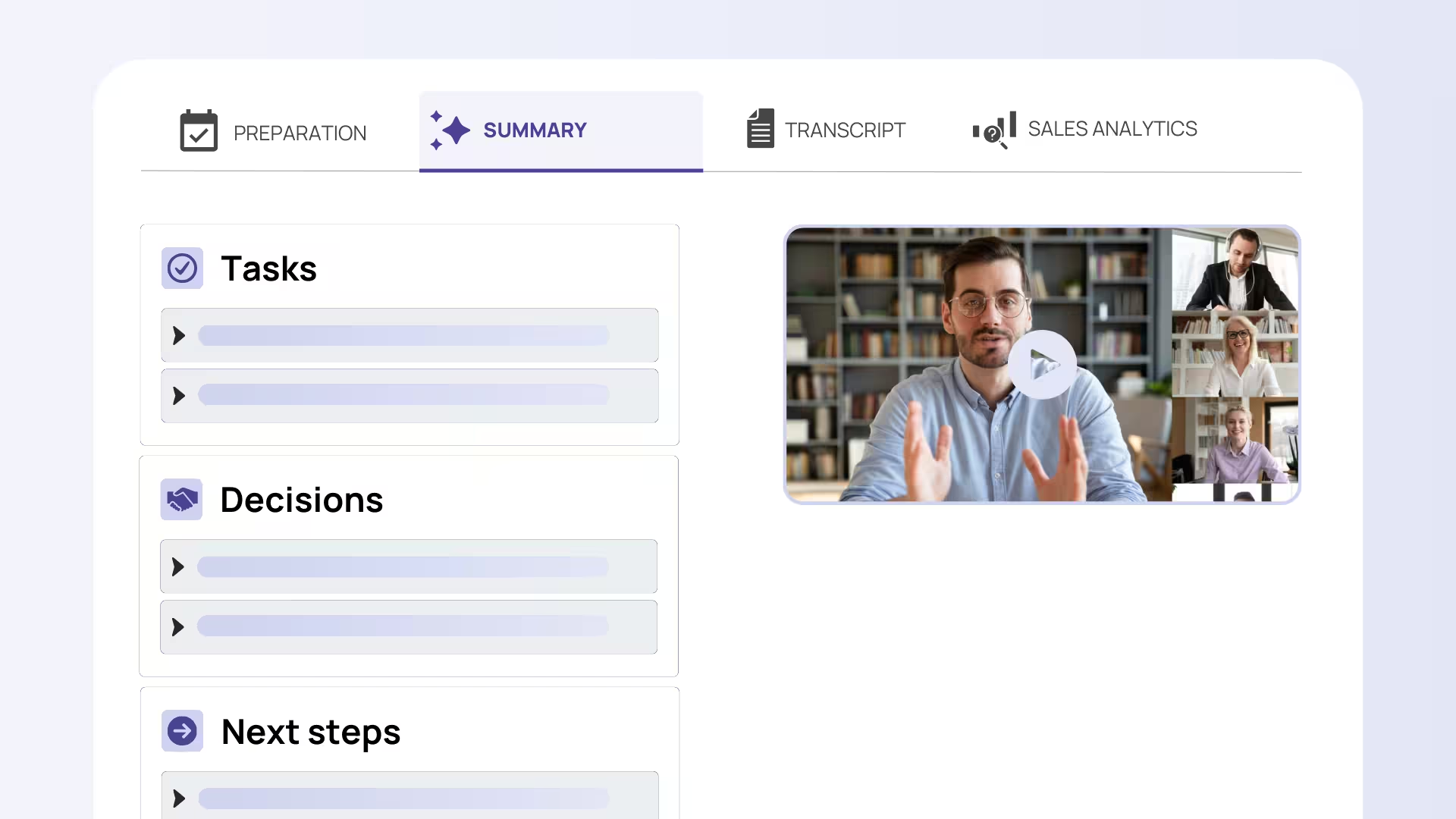
Sally AI automatically records client calls and generates structured meeting summaries with extracted action items, owners, and deadlines. For a tax advisory context, this means each client call produces a documented record—not just for internal knowledge capture, but as part of the audit-ready process required under GoBD. Action items like "client to submit Q3 expense reports" or "firm to file amended return by 15 March" are automatically assigned and tracked, eliminating the need for manual follow-up lists.
Example
A mid-sized tax advisory firm schedules a quarterly review with a manufacturing client. During the 45-minute call, the tax advisor discusses potential home-office deductions, reviews cash flow forecasts, and agrees that the client will submit updated invoices for Q2. Previously, this would generate a brief email summary; with Sally AI, the system captures the full conversation, auto-extracts that the client must deliver Q2 invoices by Friday, and flags the home-office analysis for the advisor's review. The summary is searchable and retained for GoBD compliance. When the client later asks about home-office rules, the advisor pulls up the meeting transcript in seconds—reducing both rework and liability exposure.
DATEV: AI-Powered Booking Proposals
The Problem for Tax Advisors
The core accounting workflow in a tax advisory firm is heavily manual. Invoices arrive in various formats—PDF attachments, scanned receipts, client portal downloads—and staff must manually review each one, assign cost centers, and create booking proposals in the DATEV accounting system. When client documentation is incomplete or non-standard, the pre-booking process stretches across multiple rounds of clarification. Under time pressure, especially near filing deadlines, this repetitive work creates bottlenecks and quality risks.
How DATEV Solves It
This DATEV-native service uses machine learning to analyze invoices in the DATEV Cloud and automatically generate booking proposals based on invoice data (vendor, amount, tax treatment) and historical booking patterns. The system learns from the tax advisory firm's past decisions, reducing the need for manual pre-booking and standardizing treatment across similar invoice types. Crucially, the final approval step remains with the firm—humans are not removed from the workflow, but rather freed from repetitive data-entry work to focus on expert judgment.
Example
A tax advisory firm manages accounting for 30 SME clients. Each month, they receive roughly 150 invoices across utility companies, suppliers, and service providers. Traditionally, each invoice requires manual review and cost-center assignment—a task that occupies one full-time staff member. With DATEV Automatisierungsservice Rechnungen, the system auto-recognizes that monthly electricity invoices from the same provider belong in "Facility Costs" and generates a booking proposal in seconds. The responsible staff member reviews the batch in minutes rather than hours, approves the proposals, and the system archives the invoices in compliance with GoBD. When a client later disputes a booking, the audit trail is clear: the system proposal, the approval date, and the responsible staff member's sign-off are all documented.
Finmatics: Automated Receipt and Invoice Data Extraction
The Problem for Tax Advisors
Many tax advisory clients, particularly smaller firms and independent professionals, hand over stacks of receipts, credit card statements, and scattered invoices with minimal organization. Staff must manually transcribe vendor names, amounts, dates, and tax classifications—work that is both time-consuming and error-prone. When staffing is tight and follow-up work from client communication already consumes capacity, this manual receipt processing becomes a bottleneck that delays accounting completion and increases the risk of transcription errors.
How Finmatics Solves It
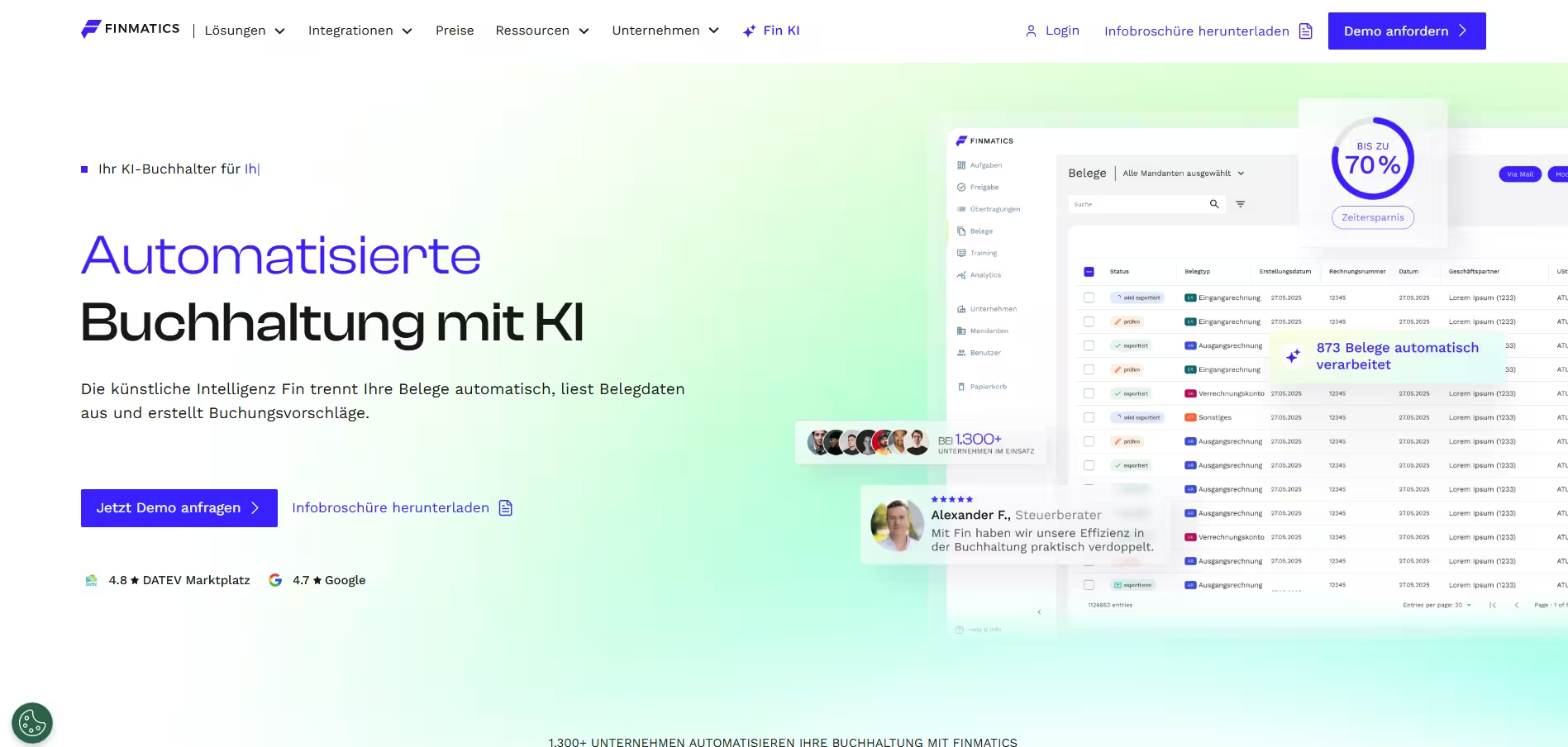
Finmatics uses AI-powered optical character recognition (OCR) and machine learning to read receipts and invoices—whether digital or scanned—and automatically extract structured data (vendor, date, amount, VAT, category). The system integrates with accounting software to generate booking suggestions, reducing the need for manual data entry by up to 90%. For tax advisors, this is particularly valuable when clients submit poor-quality scans or handwritten notes; Finmatics can often recover usable data where human transcription would require back-and-forth clarification.
Example
An independent professional provides their tax advisor with a shoebox of receipts from a business trip: hotel invoices (some in foreign currency), meal receipts, transport tickets, and a few handwritten notes. Rather than spending 3–4 hours manually entering each item, the tax advisor scans the receipts and uploads them to Finmatics. The system extracts the data, recognizes that hotel and meal expenses are deductible business expenses, and suggests booking them to "Travel & Accommodation." Currency conversion is handled automatically. The tax advisor reviews the proposals in 20 minutes, approves them, and the accounting is complete. The original receipts are stored in GoBD-compliant archiving, and the extraction audit trail is preserved.
Candis: Invoice Capture, Approval Workflows, and Compliant Archiving
The Problem for Tax Advisors
When a tax advisor advises multiple SME clients, invoice management becomes fragmented. Some clients use accounting software, others email invoices directly, and still others upload them to a client portal. Missing fields (PO numbers, cost center assignments, approver signatures) cause approval delays. Incomplete invoices bounce back and forth between the firm and the client, consuming billable time and compressing timelines near filing deadlines. Additionally, ensuring that archived invoices comply with GoBD requirements—including complete metadata and tamper-proof storage—adds another layer of manual oversight.
How Candis Solves It
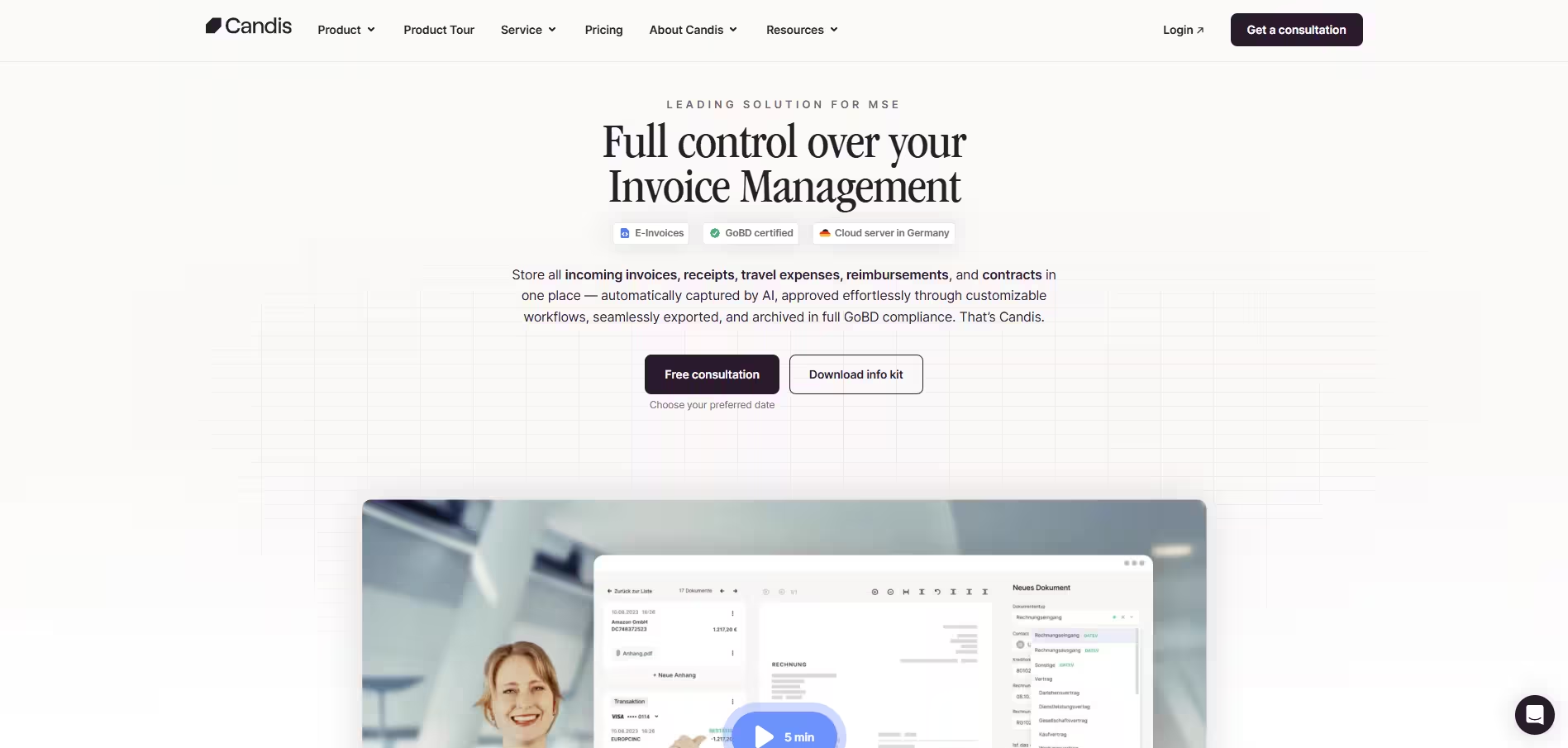
Candis provides an AI-powered invoice and document workflow platform that captures invoices from multiple sources (email, portals, paper scans), automatically recognizes and extracts key fields, and routes them through approval workflows. The system can flag missing information before approval, reducing back-and-forth, and integrates with accounting systems to pass clean data downstream. For tax advisors supporting SME clients, Candis acts as a shared inbox: invoices flow in from any client channel, the system standardizes the data, and the firm approves in a single, audit-ready workflow.
Example
A tax advisory firm advises 15 SME clients. In a typical month, invoices arrive via email (40%), client portal (35%), and paper (25%). Previously, staff manually moved files between locations, checked that required fields were present, and escalated incomplete submissions back to clients. With Candis, all invoices are automatically captured and centralized. The system recognizes that one client consistently forgets to include PO numbers; Candis flags these invoices and prompts the client to provide missing data before approval. Clean invoices flow directly to the firm's accounting system. For compliance, Candis archives all invoices with full metadata and tamper-proof timestamps, satisfying GoBD requirements and reducing manual verification work.
GetMyInvoices: Automated Invoice Retrieval and Portal Integration
The Problem for Tax Advisors
Clients often don't realize they've received invoices, or they don't retain them. Utilities, telecom providers, and online services send invoices to client portals or email inboxes that the client may not regularly monitor. When the tax advisor asks for documentation, the client can't find it, triggering a time-consuming search loop: "Can you log into your utility portal and download last year's bills?" This creates repeated follow-up churn, compresses timelines, and sometimes results in missing documentation at filing time, forcing the advisor to reconstruct estimates or request client extensions.
How GetMyInvoices Solves It
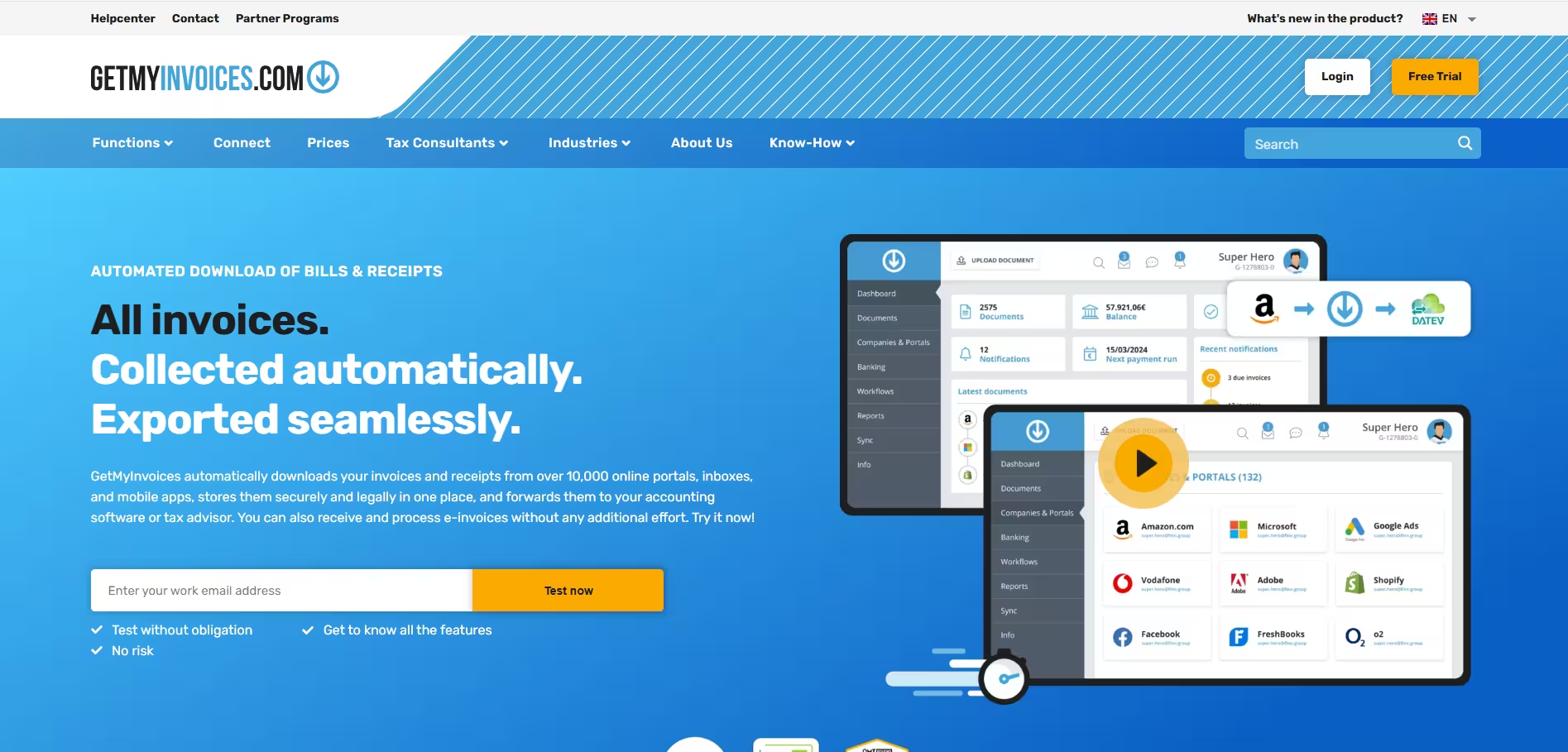
GetMyInvoices automates the retrieval of invoices from common portals (utilities, telecom, online retailers, banking platforms) by securely accessing client accounts on their behalf. The system uses AI-based recognition to identify and extract invoices, applies GoBD-oriented file naming and archiving, and centralizes them in a firm-accessible repository. For tax advisors, this eliminates the "we can't find the invoice" loop and ensures that routine documentation is captured automatically and consistently.
Example
A tax advisor advises a small e-commerce business. During the annual tax return engagement, the advisor needs 12 months of utility and telecom invoices for the business property. Rather than asking the client to manually log into five different portals and download PDFs, the tax advisor uses GetMyInvoices. The system securely connects to the utility, telecom, and internet provider portals using the client's credentials (with explicit consent), downloads all 36 invoices, validates them via AI recognition, and stores them in a centralized, GoBD-compliant archive. Within hours, the documentation is ready for review. If documentation is missing, the system flags the gap, and the advisor can request the client's help in real time rather than at filing deadline.
Building a Cohesive AI-Powered Tax Advisory Tech Stack
While each of these tools solves a specific pain point, the real value emerges when they're integrated into a unified workflow. Based on our experience working with tax advisory firms, here's a recommended tech stack that creates end-to-end automation while preserving expert control:
Core AI Tools
- Sally AI – Handles meeting documentation and task tracking
- DATEV Automatisierungsservice Rechnungen – Generates booking proposals within your existing DATEV environment
- GetMyInvoices – Automatically retrieves and archives routine invoices
- Finmatics or Candis – Handles manual receipt entry and more complex invoice workflows (choose Finmatics if your primary challenge is volume of loose receipts; choose Candis if you need approval workflow management for multiple clients)
Integration & Workflow Layer
- DATEV Cloud – Remains your core accounting and bookkeeping system; AI tools feed data into it
- Make.com or Zapier – Connects AI tools and automates data flow between platforms (e.g., action items from Sally AI → task management; Finmatics extractions → DATEV)
- Document Management System (DMS) with GoBD compliance (often built into DATEV or via dedicated platforms like Scopevisio or d.vinci)
CRM & Client Communication
- HubSpot CRM or Outlook 365 integration – Centralizes client interactions alongside Sally AI meeting records
- Client Portal (Candis includes workflow, or deploy a dedicated solution like easyrent or DATEV Unternehmen online) – Simplifies invoice and document submission, reducing manual follow-up
Quality Assurance & Compliance
- Establish a documented review standard – Define which AI-generated proposals (booking suggestions, OCR extractions) require human approval and which can be auto-approved based on confidence scores and historical accuracy
- Processor Agreements (DPA) – Ensure all vendors handling client data (Sally AI, Finmatics, GetMyInvoices, Candis) have signed Data Processing Agreements and clearly define controller/processor roles under GDPR
- Audit Trail & Retention – Configure your DMS and DATEV to auto-log all AI suggestions, human approvals, and modifications for GoBD compliance
Implementation Best Practices
- Start with high-volume, low-risk processes – Begin by automating routine invoice capture (GetMyInvoices) and meeting documentation (Sally AI) before moving to booking suggestions
- Define approval thresholds – Not all AI proposals require the same level of review. A booking suggestion for a routine utility invoice can be auto-approved if confidence is >95%; a proposal for a novel expense type should always be reviewed by the responsible tax advisor
- Preserve the expert layer – The goal is to remove repetitive work, not to remove the tax advisor from the decision loop. Keep humans in control of tax treatment, risk assessment, and client communication
- Train your team – Ensure all staff understand how to use the AI tools, when to trust them, and how to escalate edge cases
- Monitor compliance – Regularly audit the AI-generated data and approvals against GoBD standards to ensure that automation maintains—rather than undermines—audit readiness
Conclusion
The tax advisory profession is undergoing a quiet revolution. AI tools are not replacing tax advisors; they are liberating them from repetitive, low-value work and creating space for higher-value client advisory. By implementing a thoughtful stack of specialized AI tools—paired with clear approval workflows and compliance discipline—modern tax advisory firms can dramatically reduce documentation pressure, eliminate the "missing receipts" loop, and deliver faster, more reliable client service.
The firms that adopt this approach today will set the standard for efficiency and compliance in the years ahead.


