

Scrum Masters and Project Managers sit at the intersection of people, processes, and delivery — and that position comes at a cost. Between daily standups, sprint planning, refinement sessions, retrospectives, and stakeholder updates, a significant portion of the working week is consumed by meetings. The real problem, however, is not the meetings themselves. It is what happens after them. Decisions get made, blockers get discussed, action items get agreed upon — and then they scatter across Jira tickets, Slack threads, and personal notebooks, where they quietly lose their context and urgency.
At Sally, we work with Scrum Masters and Project Managers across industries every day. What we consistently see is a two-sided problem: meeting knowledge evaporates the moment the call ends, and administrative reporting consumes time that should be spent on risk management and delivery enablement. AI tools are not a silver bullet, but when chosen deliberately and connected into a coherent stack, they can meaningfully close both of those gaps. This guide breaks down the most effective AI tools for your role, explains the specific problem each one addresses, and ends with a recommended tool stack built for real delivery environments.
The Core Problems AI Needs to Solve for PMs and Scrum Masters
Before jumping to tools, it is worth naming the pain precisely — because the right AI tool for a Scrum Master is not necessarily the same as the right AI tool for a PMO director or an IT project lead.
For Scrum Masters, the pressure point is ritual overhead. Standups, retrospectives, and planning ceremonies exist to create alignment, but they also generate a constant stream of decisions, blockers, and commitments that need to be captured, tracked, and communicated. When that capture is manual, it is slow, inconsistent, and often incomplete.
For Project Managers, the dominant tax is synthesis and reporting. Status updates need to be written. Stakeholder decks need to be assembled. Risk registers need to be maintained. None of these activities require strategic thinking — they require time — and AI is uniquely suited to handle them, freeing up the PM to focus on the work that actually requires human judgment.
The Best AI Tools for Scrum Masters and Project Managers
Sally AI — Turning Meetings Into Structured Outputs
The most persistent source of friction for any Scrum Master or PM is the gap between what gets said in a meeting and what gets documented afterward. In a typical sprint planning session, the team agrees on scope, flags dependencies, and surfaces blockers — but unless someone is actively capturing these in real time, the shared understanding exists only in people's short-term memory. By the next morning, the nuance is gone.
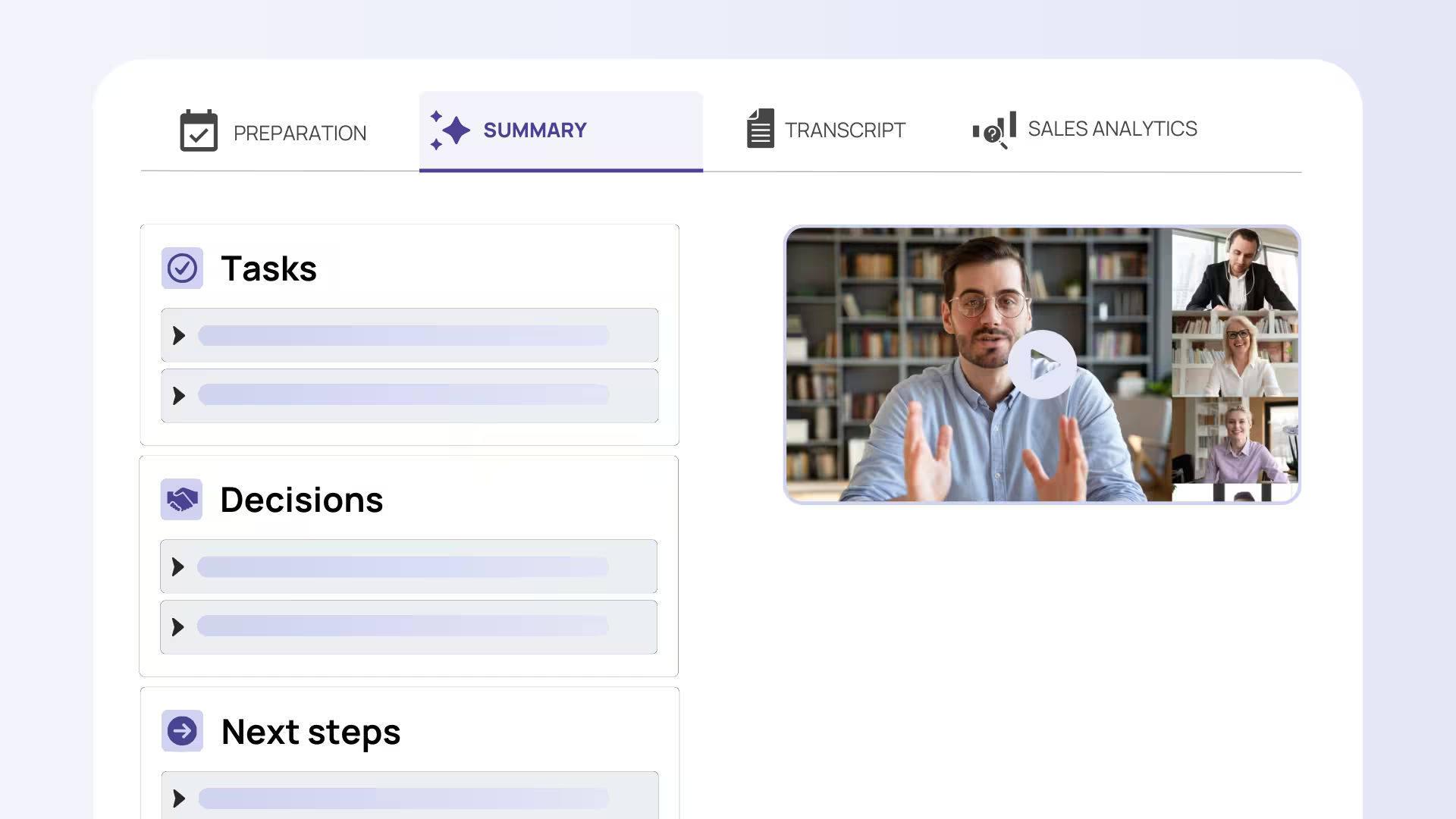
Sally AI addresses this directly. As an AI meeting assistant built specifically for structured work environments, Sally captures decisions, deadlines, blockers, and requirements during the meeting itself and turns them into structured outputs that can feed directly into your project tools. Imagine a Friday sprint review where three action items are agreed upon for the following sprint. With Sally, those items are not buried in a meeting recording or scribbled into someone's notebook — they are automatically formatted and ready to be pushed into Jira or sent as a follow-up to the relevant stakeholders. For Scrum Masters managing multiple teams, this kind of consistent, low-friction documentation is not a convenience. It is a prerequisite for actually tracking whether commitments are being met. Sally's integration capabilities mean that post-meeting admin — one of the most time-consuming parts of any Scrum Master's day — is reduced from thirty minutes of manual work to a quick review and confirm.
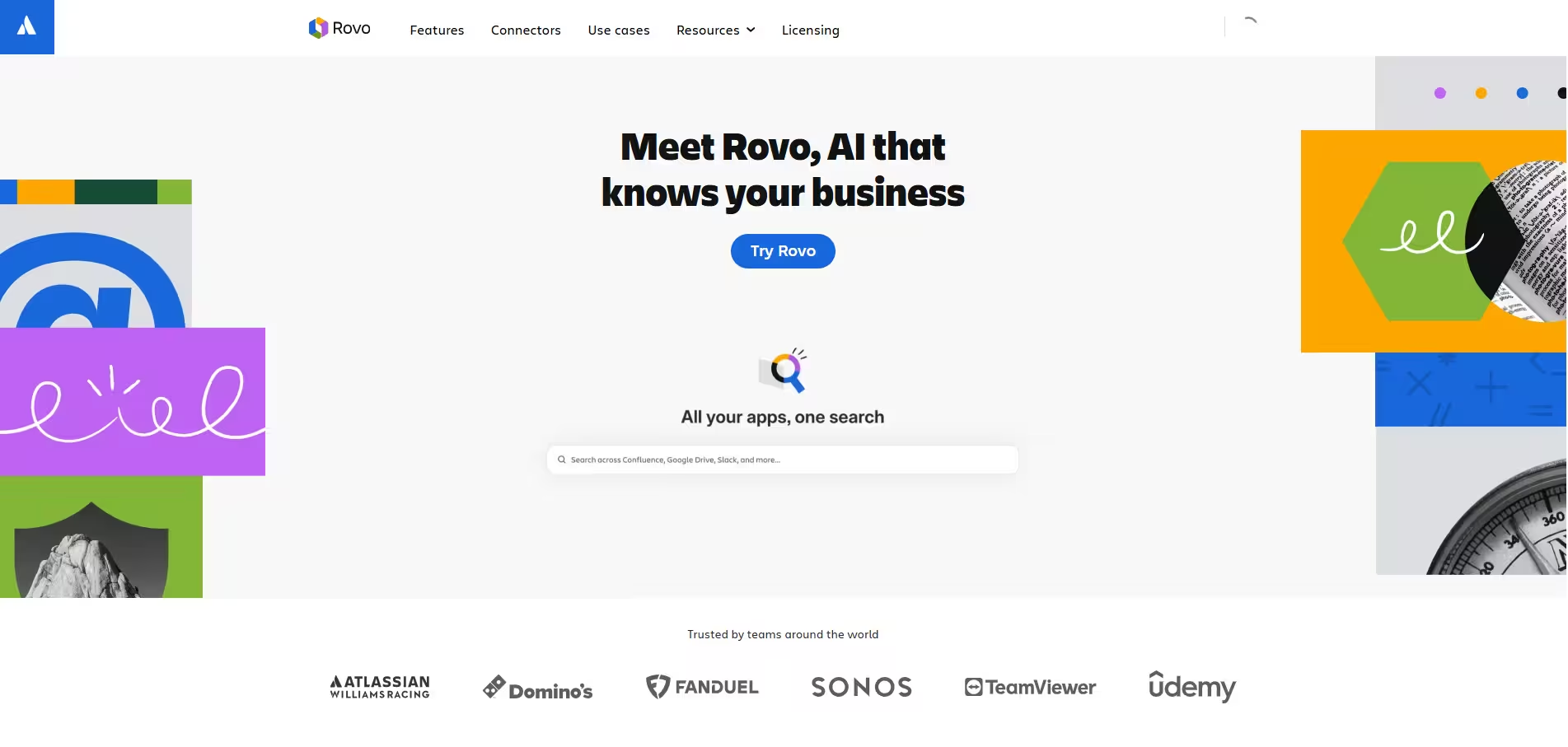
Atlassian Jira AI (Rovo) — Reducing Backlog Grooming Friction
Backlog grooming is one of those activities that every PM and Scrum Master knows is important and very few people enjoy. The challenge is not understanding what needs to be in a ticket — it is the time it takes to write it well. Vague acceptance criteria, missing edge cases, and poorly scoped user stories are among the most common root causes of sprint scope creep and developer frustration. A story that takes ten minutes to write badly can take an entire refinement session to untangle.
Atlassian's AI capabilities within Jira address this at the point of ticket creation. The AI can assist in drafting detailed user stories, suggest acceptance criteria, and improve the clarity of existing ticket descriptions. For a PM managing a product team, this means that bringing a raw idea from a stakeholder call into a sprint-ready story no longer requires multiple passes of manual rewriting. Consider a scenario where a stakeholder request comes out of a discovery call on Monday: instead of spending Tuesday afternoon turning rough notes into a properly formatted story, the PM uses Jira's AI to generate a structured draft that the team can refine in thirty minutes instead of ninety. The time savings compound across an entire backlog. For Scrum Masters, better-written tickets also mean less time spent clarifying scope during standups — which means standups stay focused on actual progress and blockers rather than devolving into impromptu refinement sessions.
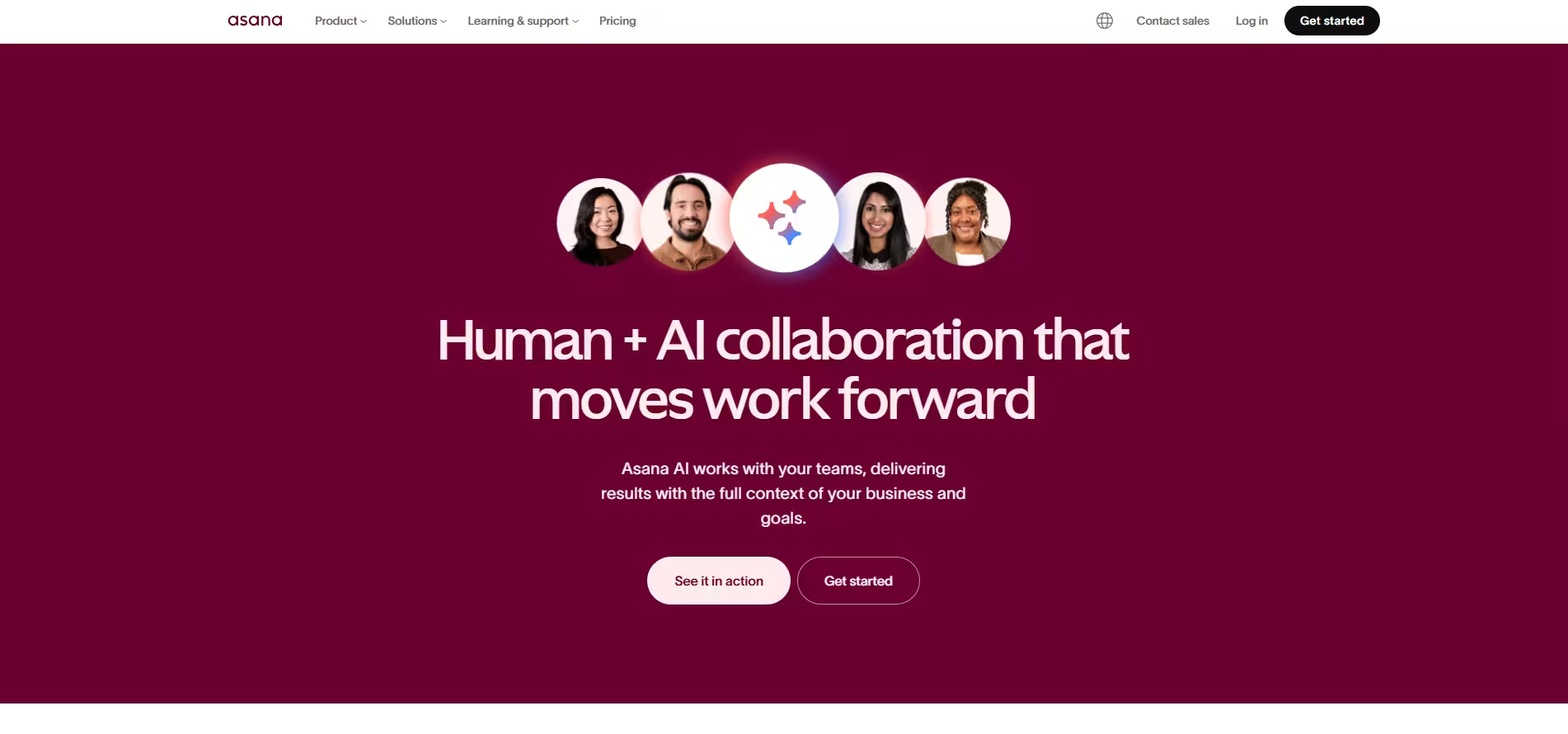
Asana AI — Workflow Automation and Status Without Manual Synthesis
Project Managers are often described as the connective tissue of a team — the person who knows what is happening across workstreams and can communicate the overall picture clearly to stakeholders. The problem is that maintaining that picture manually is exhausting. Status updates need to be pulled from multiple sources, synthesized, and reformatted for different audiences. In fast-moving environments, by the time a status report is written, it is already partially outdated.
Asana's AI capabilities target this exact workflow. On the automation side, Asana positions its AI to build intelligent workflows that reduce the volume of routine manual tasks — for example, automatically routing a task to the right team member when a project phase changes, or triggering a stakeholder notification when a milestone is marked complete. On the synthesis side, Asana's smart summaries give PMs a fast, coherent overview of task threads and project status without requiring manual consolidation. A practical example: a PM overseeing a product launch with five parallel workstreams can start Monday morning by reviewing AI-generated summaries of each workstream's status rather than clicking through dozens of individual tasks. The time saved in that single habit, repeated across every week of a project, adds up to hours that can be redirected toward proactive risk management rather than reactive status chasing.
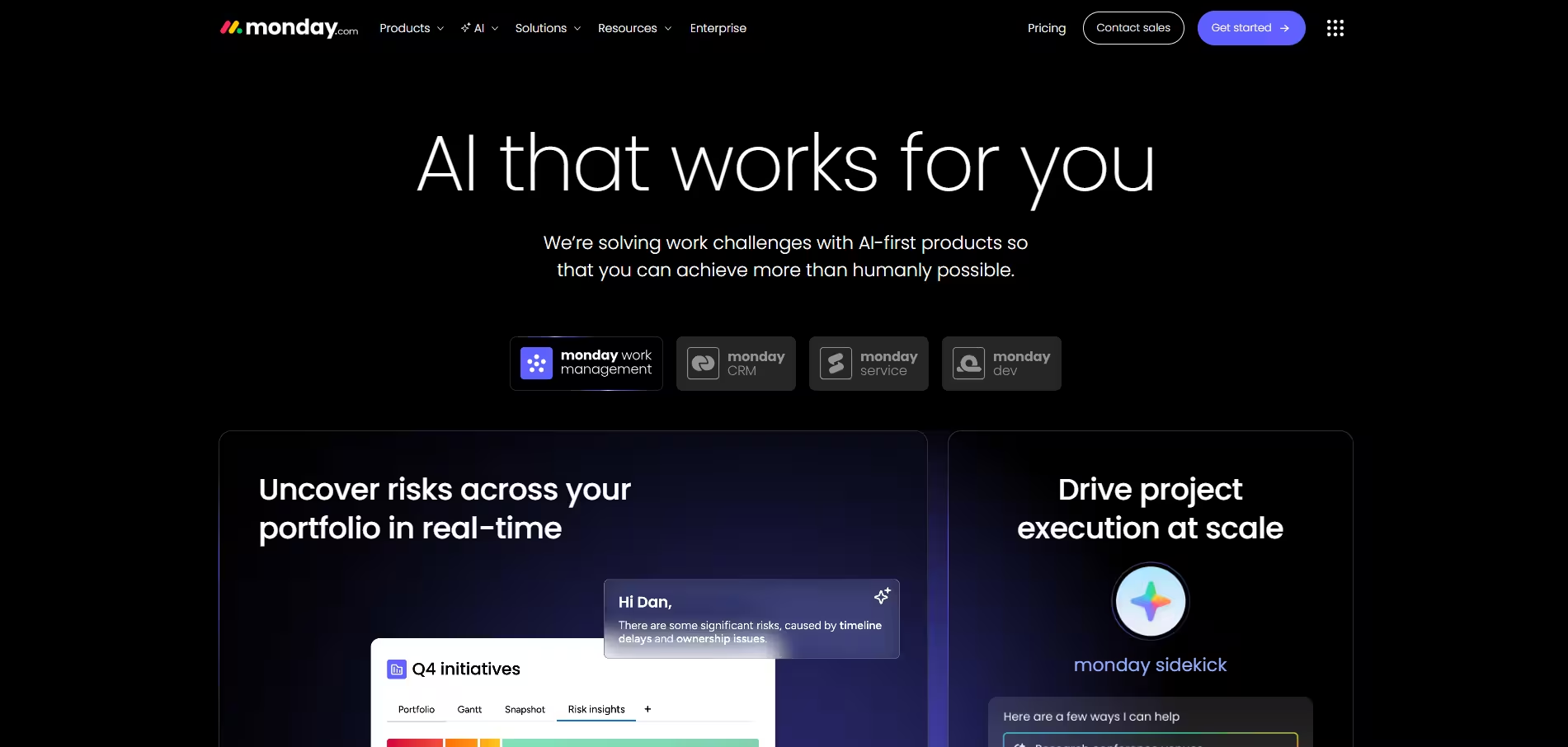
monday.com AI — Portfolio Oversight and Risk Detection
For Project Managers operating at the portfolio level — particularly those in PMO roles or managing multiple simultaneous projects — the challenge shifts from individual task clarity to cross-project visibility. Which projects are on track? Where are resources being overstretched? Are there risks emerging in one project that will cascade into another? Answering these questions manually, by reviewing each project one by one, is both time-consuming and error-prone.
monday.com's AI capabilities are designed specifically for this portfolio-level view. The platform positions AI around risk detection across a portfolio, monitoring project health signals and surfacing issues before they become blockers. Resource assignment support is also part of the AI layer, helping PMs identify overallocation before it causes burnout or slippage. Imagine a PMO director managing eight concurrent projects across three business units. Rather than spending the first hour of every Monday reviewing each project board individually, the AI surfaces a prioritized view of where risk is concentrating — a delayed dependency in Project A that will affect Project C's go-live, a team member allocated at 140% capacity across two sprints. That kind of proactive signal transforms portfolio management from a backward-looking reporting function into a forward-looking risk function. For PMs who are tired of discovering problems in stakeholder meetings instead of before them, this is where AI earns its place.
ClickUp Brain — Consolidation and Clarity in a Single Workspace
One of the underappreciated challenges of project management is the cognitive load of context-switching. When tasks live in one place, documentation lives in another, and status updates live in Slack, the PM or Scrum Master becomes the human middleware — manually pulling context from each source and stitching it together. ClickUp's strength is consolidation: it is designed to house tasks, Docs, and team updates in a single workspace, and its AI capabilities extend that consolidation by generating summaries across all of those layers.
For a Scrum Master or PM whose team lives inside ClickUp, the AI summaries mean that a quick brief on "where does the project stand right now" is available on demand, without having to read every comment thread and task update manually. This is particularly valuable ahead of stakeholder meetings or at sprint boundaries, when the PM needs a clear, current picture fast. A concrete scenario: it is Thursday afternoon, a senior stakeholder has asked for an impromptu project health update, and the PM has twenty minutes to prepare. Rather than scrambling through task threads, the PM generates an AI summary of the active sprint, reviews it in five minutes, and walks into the meeting with a coherent, accurate status — without the stress of hoping they have not missed something important.
Recommended AI Tool Stack for Scrum Masters and Project Managers
Individual tools solve individual problems, but the real productivity gains come from connecting them into a coherent workflow. Based on our experience working with Scrum Masters and Project Managers at scale, here is how a complete AI tool stack can be structured:
The Core Stack
Meeting intelligence layer: Sally AI sits at the center of every meeting-driven workflow. It captures decisions, blockers, and action items in real time and pushes structured outputs into downstream tools. This is the foundation — without reliable meeting capture, everything else in the stack operates on incomplete information.
Project and ticket management layer: Atlassian Jira AI for engineering-adjacent teams, ClickUp AI or Asana AI for broader cross-functional teams. The choice depends on whether the primary workflow is sprint-based (Jira is the natural home) or campaign and workstream-based (ClickUp and Asana offer more flexibility). For teams running a hybrid model, Jira handles engineering tickets while Asana or ClickUp manages cross-functional project tracks.
Portfolio and reporting layer: monday.com AI for PMO-style oversight and portfolio risk monitoring. For teams already using Jira at the project level, monday.com can serve as the aggregation layer for leadership reporting without disrupting the day-to-day workflow.
The Connectivity Layer
No tool stack is complete without the pipes that connect its components. For Scrum Masters and PMs, the most important connectors are:
Zapier or Make: Automate the handoff between Sally AI meeting outputs and your project management tools, Slack channels, or email systems. When Sally captures a decision in a sprint planning session, a Zapier workflow can automatically create the corresponding Jira ticket without any manual intervention. You can also use Sally's native integrations if you want to decide which outputs actually get pushed.
Slack: The de facto communication layer for most Agile teams. Both Jira and Asana have native Slack integrations, and Sally can push meeting summaries directly into project-specific channels, ensuring that team members who were not in the meeting get a clear, immediate briefing.
Google Workspace or Microsoft 365: Calendar integration ensures that meeting notes and summaries are automatically linked to the right meeting records. For PMs producing stakeholder reports, AI-assisted drafting in Google Docs or Word — seeded with outputs from Sally and your project management tool — dramatically reduces the time from raw data to polished communication.
CRM integration (Salesforce or HubSpot): For PMs working on client-facing projects or customer implementations, connecting your project stack to a CRM is often overlooked but critical. Sally's meeting outputs from client calls can feed directly into HubSpot or Salesforce contact records, ensuring that account context, commitments made to clients, and escalation history are preserved in the system of record — not lost in someone's inbox.
Stack Recommendation by Profile
For a Scrum Master running multiple Agile teams: Sally AI + Jira AI + Slack + Zapier. Lightweight, sprint-native, and focused on reducing standup and ceremony overhead.
For a Project Manager in a cross-functional role: Sally AI + Asana AI + Google Workspace + HubSpot or Salesforce. Broad enough to handle diverse workstreams while maintaining stakeholder communication quality.
For a PMO leader or senior PM managing a portfolio: Sally AI + monday.com AI + Jira AI + Make + Microsoft 365. Designed for visibility at scale, with automated reporting flows that eliminate manual status consolidation.
The through-line across all of these configurations is the same: AI tools for Scrum Masters and Project Managers are most powerful when they are connected — when the output of one tool becomes the input of the next, and when the human in the loop is reviewing and deciding rather than copying, pasting, and reformatting. That shift, from manual middleware to strategic decision-maker, is what the right AI stack actually makes possible.


